For the complete documentation index, see llms.txt. Markdown versions of all docs pages are available by appending .md to any docs URL.
CEL playground
Try out CEL expressions interactively in the agentgateway admin UI.
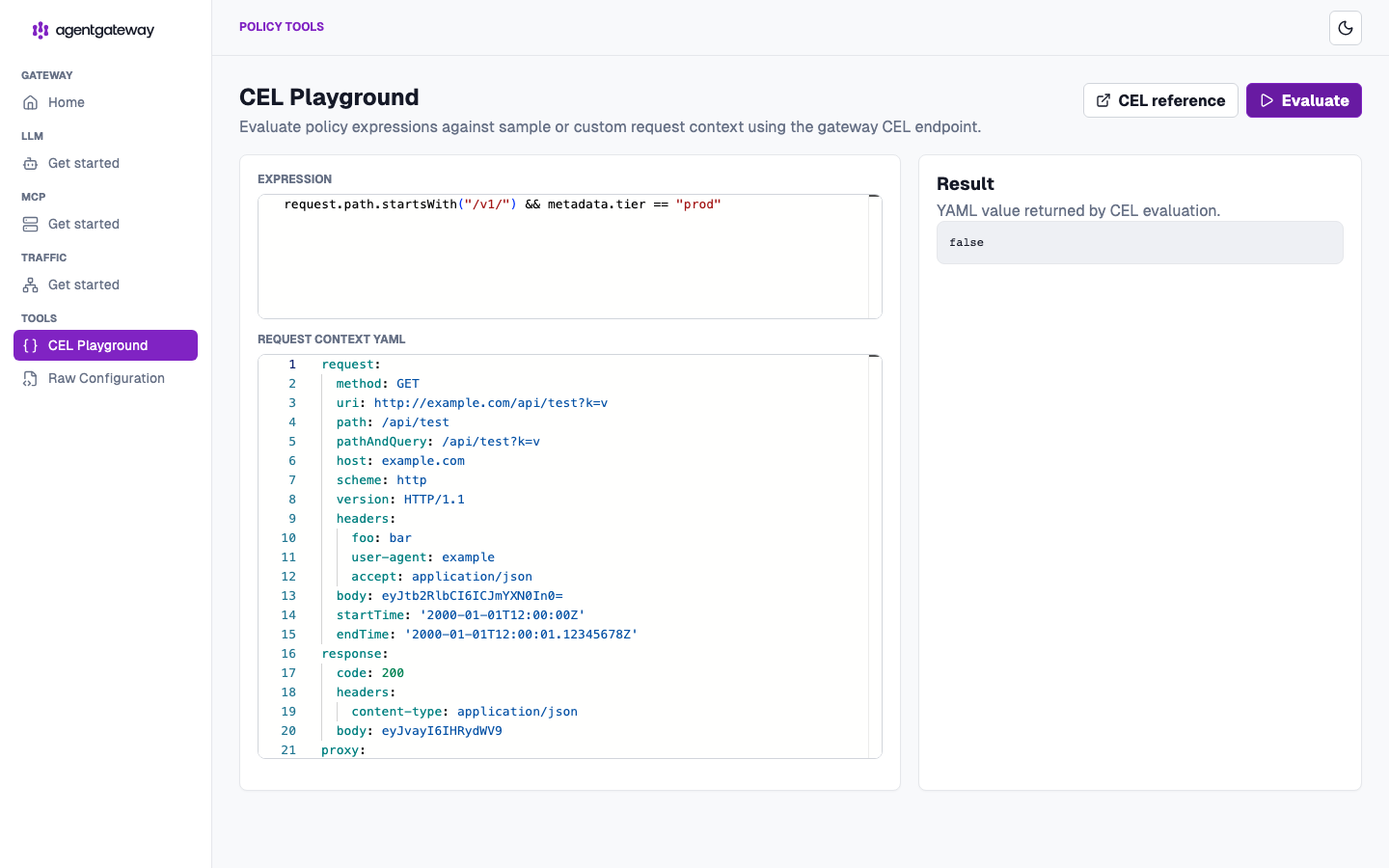
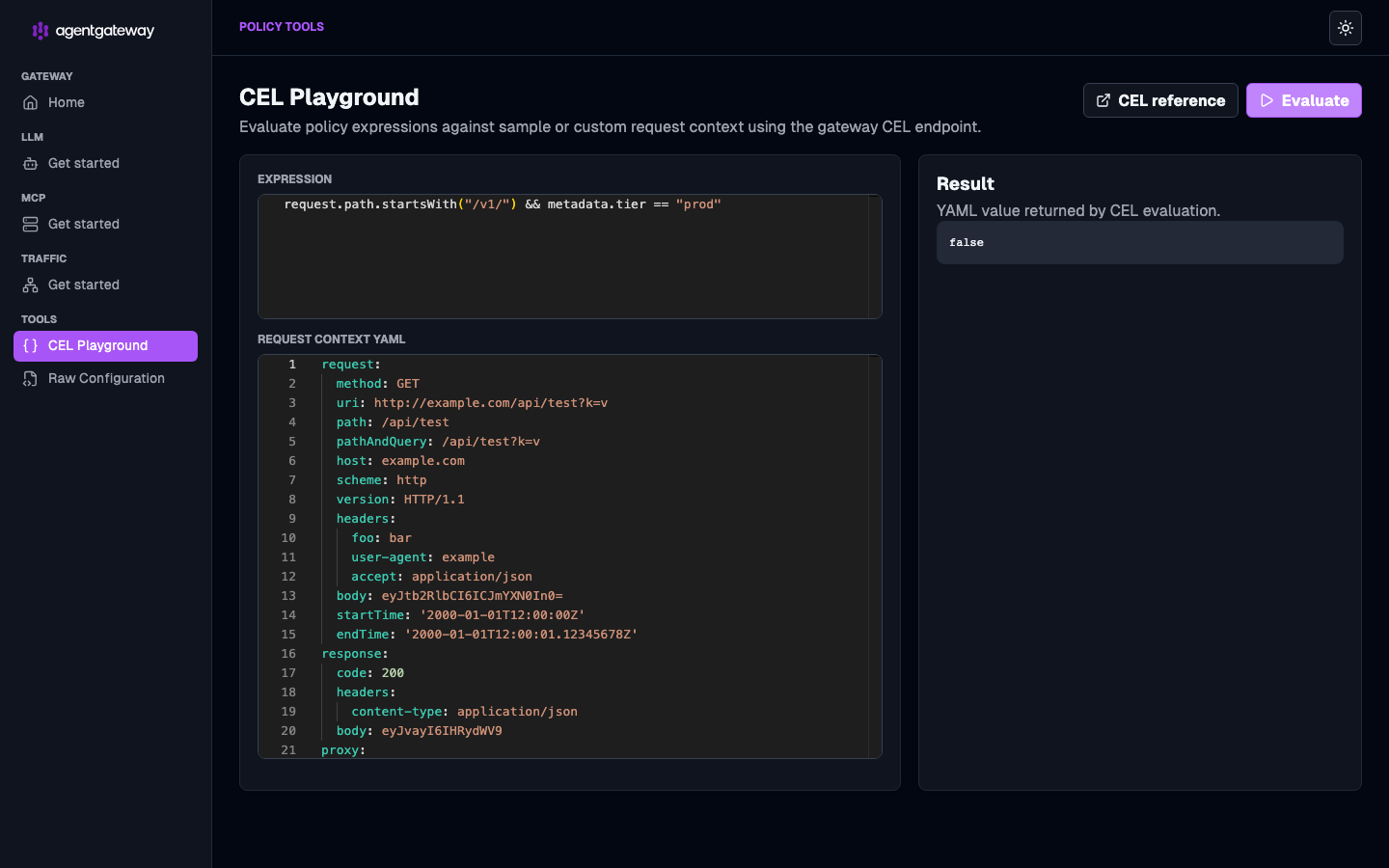
You can try out CEL expressions directly in the built-in CEL playground in the agentgateway admin UI. The playground uses agentgateway’s actual CEL runtime, so custom functions and variables specific to agentgateway are available for testing.
To open the playground:
Run agentgateway.
agentgateway -f config.yamlOpen the CEL playground.
In the Expression box, enter the CEL expression that you want to test.
In the Request Context YAML box, edit the sample request context that the CEL expression is evaluated against.
To test your CEL expression, click Evaluate. The Result card shows the value returned by the CEL evaluation.